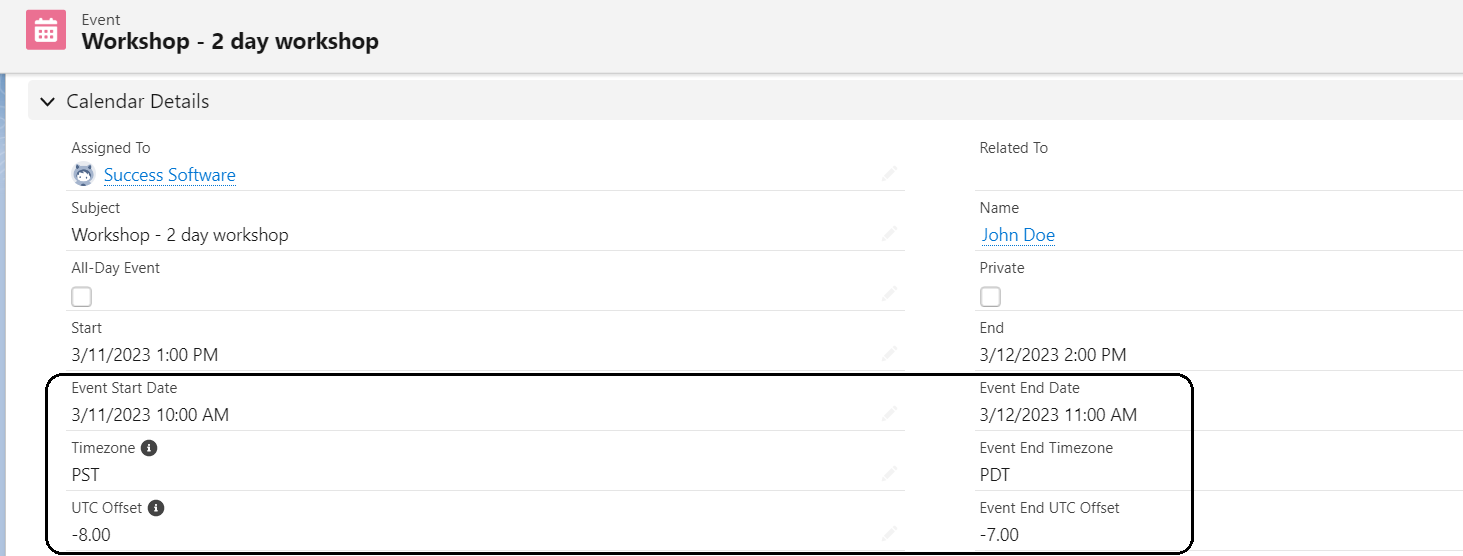
Create excitement for the launch of a product/service/event with the configurable Countdown Lightning Component. The component can be placed on Home or any lightning record pages. The Salesforce Administrator typically changes the layouts for these pages and adds the component in a desired location.

Configure the component with the following steps:
- Edit the Lightning Page and select the Countdown component.

- Change the Countdown Title, Message, Message Text Color, Timer Text Color, Timer Background Color, and the Date as desired.
- Hover the mouse on the information icon next to each option to learn more about the option and input the correct value accordingly.
- Click the Save button to update your changes.
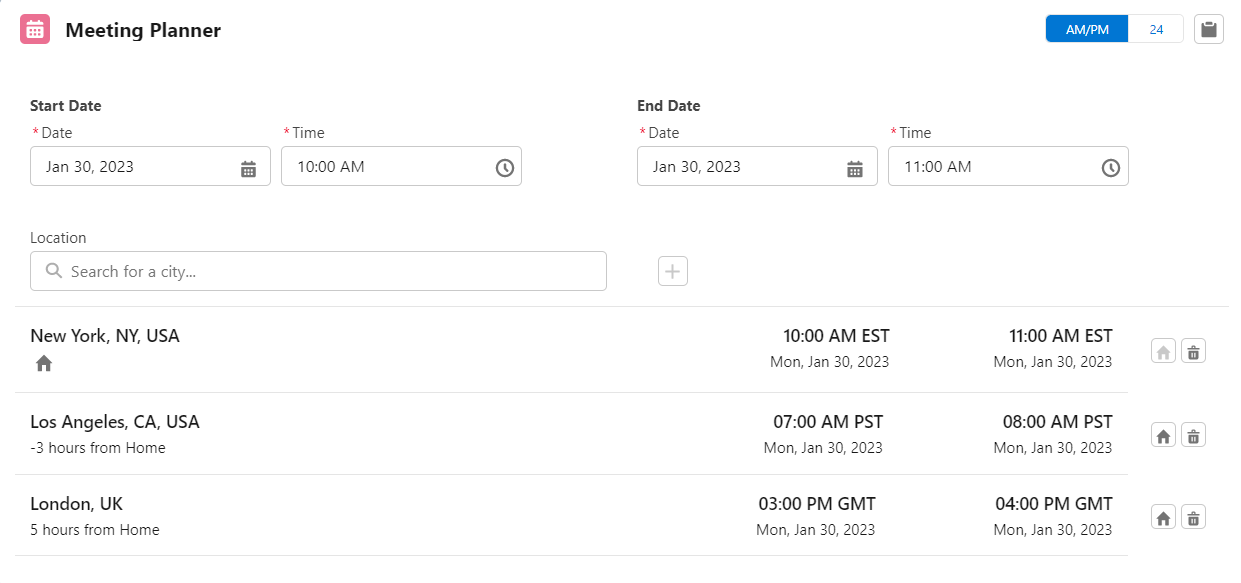
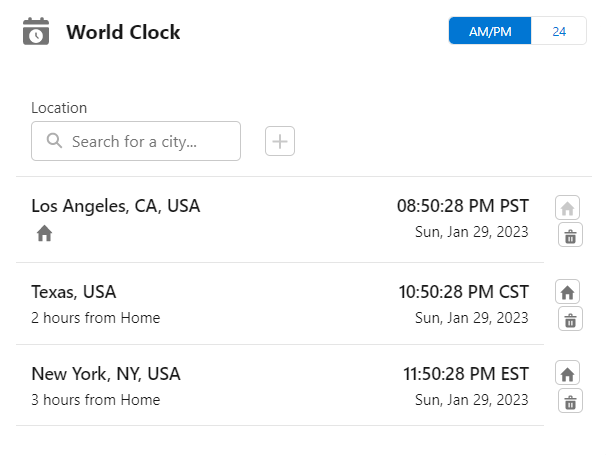
 icon to add it to the list.
 option to change the time display format.
 icon to make a specific location the first item in the list. The rest of the locations in the list will then be updated to show their time zones relative to this Home location. In the example screenshot shown above, New York is set as the Home location. With reference to New York, the list shows Los Angeles as -3 hours from Home and London as 5 hours from Home respectively.
 icon to copy the meeting plan to the clipboard. Following is the copied content for the above example.